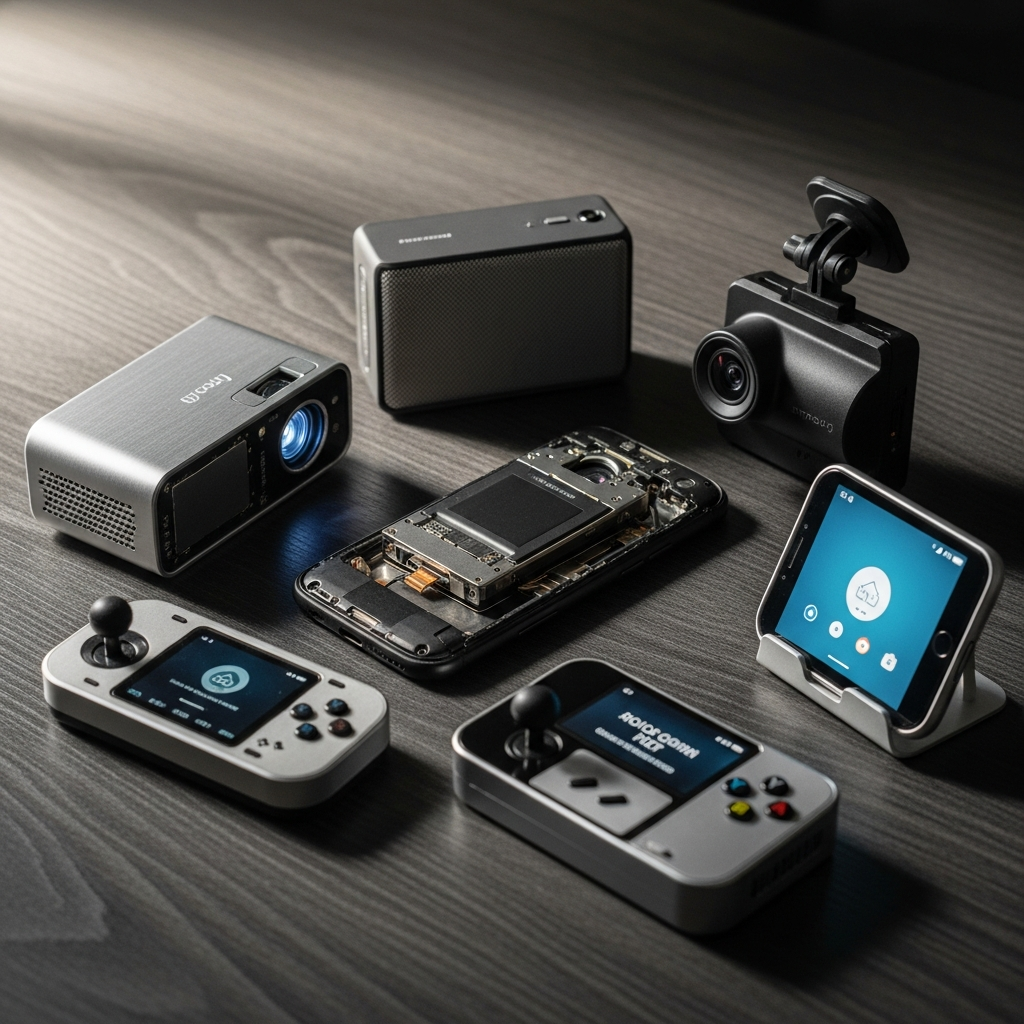
We all have that one drawer. You know the one—it’s the final resting place for charging cables from 2014, dead batteries, and a perfectly capable, slightly scuffed Android smartphone that was recently dethroned by a newer model. The consumer tech industry thrives on convincing us that we need a bespoke, single-use gadget for every minor inconvenience. We are sold $150 webcams, $300 high-resolution audio players, and $200 dashcams, all while ignoring the computational powerhouse gathering dust in our nightstands.
The truth is, dedicated gadgets might offer the charm of a single purpose, but your retired Android phone is a sleeping giant. Equipped with superior lenses, massive touchscreens, and processing power that dwarfs most standalone appliances, an old smartphone can easily outclass purpose-built tech. If you are ready to elevate your digital lifestyle while cutting out the clutter, here is exactly how to repurpose your old Android phone into five premium, highly functional devices.
1. The Studio-Quality 4K Webcam
It is a poorly kept secret in the tech world that even the most expensive laptops feature abysmal webcams. Standalone webcams aren’t much better, often relying on tiny, outdated image sensors that leave you looking grainy and washed out on important video calls. Your three-year-old Android phone, however, possesses a sophisticated, multi-lens camera system designed to capture stunning photography in diverse lighting conditions.
How to do it: You don’t need a degree in IT to make the switch. Download an app like Camo or DroidCam on both your old Android and your PC or Mac. Mount the phone above your monitor using a sleek magnetic tripod or a dedicated clamp. Connect the device via USB for a zero-latency feed. You instantly gain access to optical zoom, portrait mode background blurring, and low-light performance that obliterates any standalone webcam on the market.
2. The Audiophile-Grade Hi-Fi Streamer
High-end digital audio players (DAPs) are a luxury niche, often costing hundreds or even thousands of dollars. But if you strip away the marketing, a DAP is essentially just a screen, a storage drive, and a digital-to-analog converter (DAC). Your old Android already has an intuitive touchscreen, expandable storage, and the ability to run high-fidelity streaming apps like Tidal, Qobuz, or Apple Music.
How to do it: To match the audio quality of a premium dedicated player, bypass the phone’s internal audio processing. Plug a high-quality external USB-C DAC (like the AudioQuest DragonFly or a Fiio portable amp) directly into the phone’s charging port. Pair it with your favorite audiophile headphones or plug it straight into your home stereo receiver. You now possess a world-class, bit-perfect audio streamer with an interface far superior to any clunky proprietary DAP software.
3. The Ultimate Smart Home Command Center
Wall-mounted smart home control panels look incredibly sophisticated, but buying a dedicated touchscreen hub from a major manufacturer is an easy way to burn cash on tech that will be obsolete in three years. Your old Android features a high-resolution, highly responsive OLED display that is begging to be the brain of your smart home.
How to do it: Purchase a minimalist, flush wall-mount designed for your specific phone model, and route a flat USB charging cable behind the drywall to keep it permanently powered. Install a home automation dashboard app like ActionTiles, Home Assistant, or simply Google Home. You can lock the screen to only display this app using Android’s native “App Pinning” feature. Instantly, you have a sleek, centralized hub to control your thermostat, lighting, security cameras, and ambient music.
4. The Unbeatable Dashcam and Security Hub
Purpose-built dashcams are notoriously frustrating. They feature terrible user interfaces, microscopic screens, and require you to pop out a microscopic SD card just to view your footage. Conversely, your old smartphone possesses a massive, bright screen, built-in GPS, accelerometer sensors, and gigabytes of onboard storage.
How to do it: Pick up a high-quality windshield mount and a long USB car charger. Download a dedicated application like AutoBoy Dash Cam or Droid Dashcam, which allows the phone to automatically record video in a loop, track your GPS coordinates, and measure your speed. If you prefer home security over vehicle safety, apps like AlfredCamera can transform the phone into a live-streaming, motion-detecting security camera that alerts your primary phone the second someone steps onto your porch.
5. The Distraction-Free Digital Library
E-ink readers are fantastic for reading under direct sunlight, but they are painfully slow and useless for rich media, PDFs, or digital magazines. If you find yourself struggling to read on your primary smartphone because of constant notifications and the looming temptation of social media, your old Android can be sanitized into the ultimate focus device.
How to do it: Factory reset the old phone. Do not install a SIM card, and refuse to download any social media, email, or messaging apps. Install only your literary essentials: Kindle, Libby, a premium RSS reader, and perhaps a meditation app. To truly mimic the calm of an e-reader, dive into the accessibility settings and switch the display entirely to Grayscale. Without the dopamine hit of vibrant colors and incoming texts, your old phone transforms into a bespoke, distraction-free library that still boasts the processing speed necessary to flawlessly render complex documents and high-end digital editorials.
Original Reporting: www.makeuseof.com